How do I set rent reminders and use Apple Calendar?
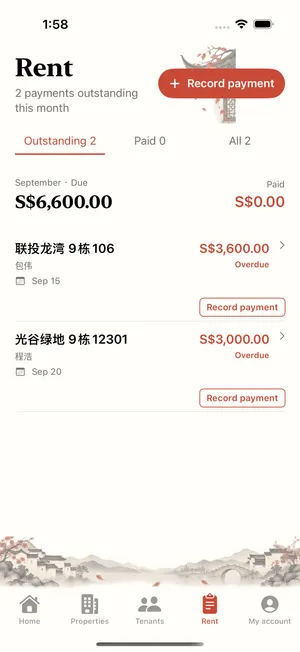
Reminders and calendar features are included in Free. With calendar sync enabled and permission granted, Landlady can write scheduled bills to Apple Calendar.
These guides include previews of features in the update awaiting review. Check the released App Store version and the controls available in your app.
- Check the lease amount, rent due date and scheduled bills.
- Configure due-date and overdue reminders in Settings and allow system notifications.
- Enable calendar sync, grant calendar access and check the bill dates in Apple Calendar.
Reminders depend on system permissions. Recheck bills and calendar dates after changing a lease.